Turn Paper Maps into
Interactive Digital Plots
Cemetery mapping software that replaces paper maps, binders, and guesswork with a color-coded, clickable digital map. Staff find plots instantly. Families find graves online.
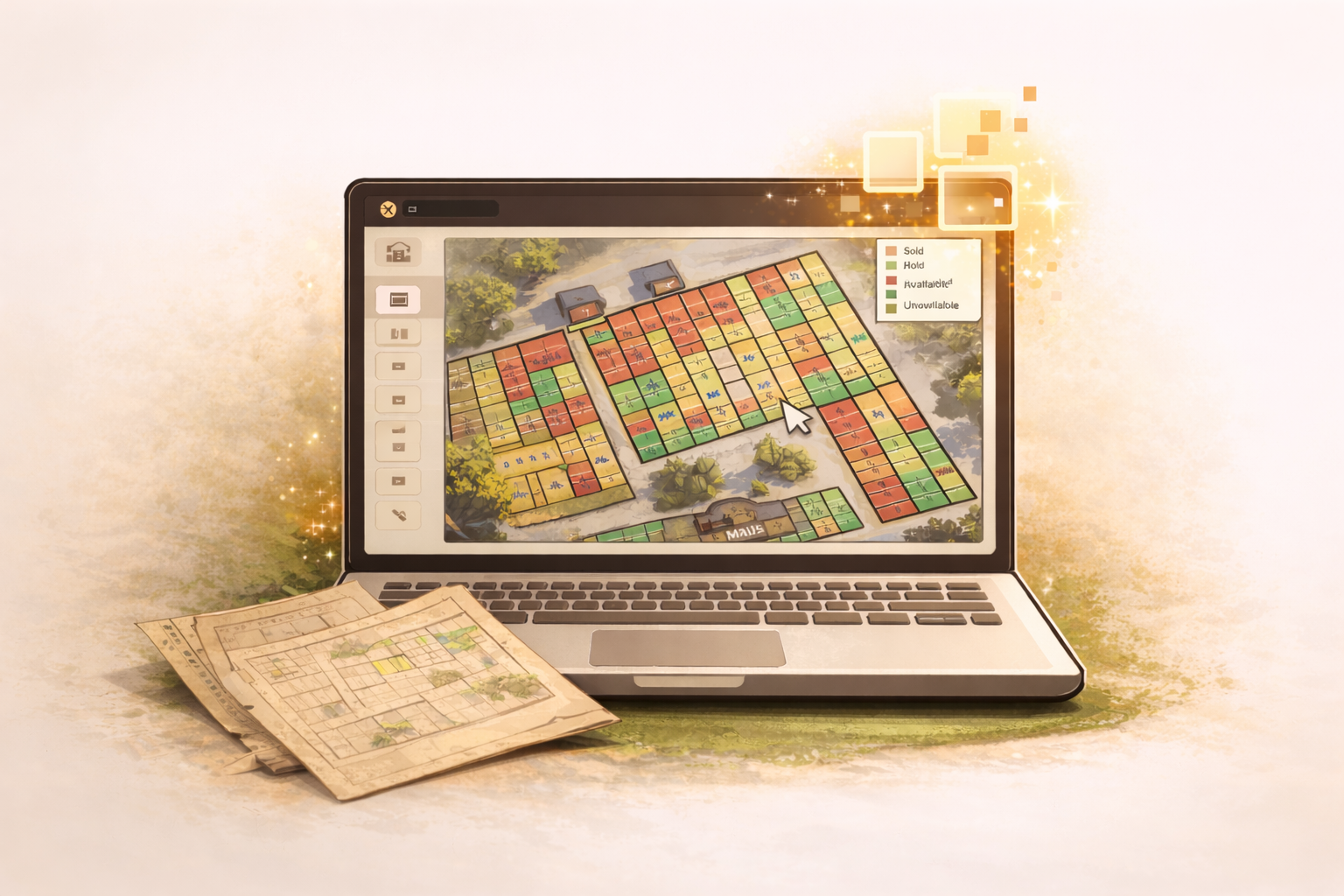
Everything you need to map your cemetery
No GIS experience required. If you can use Google Maps, you can build your cemetery map.
Satellite or Paper Maps
Enter your address for satellite imagery or upload a scanned paper map as your base layer.
Visual Grid Builder
Draw sections and individual plots with our drag-and-drop grid tool. Define rows, columns, and spacing in seconds.
Color-Coded Status
Plots are automatically color-coded — green for available, red for occupied, orange for reserved, blue for sold. Staff and families see status at a glance.
Click-to-View Details
Click any plot to see the burial record, owner, dates, and notes. No searching required — the map is the interface.
Section Management
Organize your cemetery into named sections with independent plot numbering. Handles complex layouts with ease.
Public Map View
Your public cemetery page includes the interactive map. Families search a name and see the exact location highlighted on the map.
Works on Any Device
The map works on desktops, tablets, and phones. Staff can reference it in the field from a phone or tablet.
5,000+ Plot Support
Built for cemeteries of all sizes. The map handles thousands of plots without slowing down.
Build your cemetery map in 4 steps
How long it takes depends on the size of your cemetery and the state of your records.
Set your base layer
Enter your cemetery address for satellite imagery, or upload a scanned paper map.
Draw your sections
Define named sections — Garden of Peace, Section A, Veterans Row — whatever your cemetery uses.
Add plots with the grid tool
Set rows, columns, and spacing. The grid tool fills an entire section in seconds. Adjust individual plots as needed.
Link records to plots
Import your records from a spreadsheet and match them to plots. Or add records manually as burials happen.
Paper maps vs. digital cemetery mapping
Digitize your cemetery map today
All features included. No setup fees. Cancel anytime.
Your paper map deserves an upgrade.